
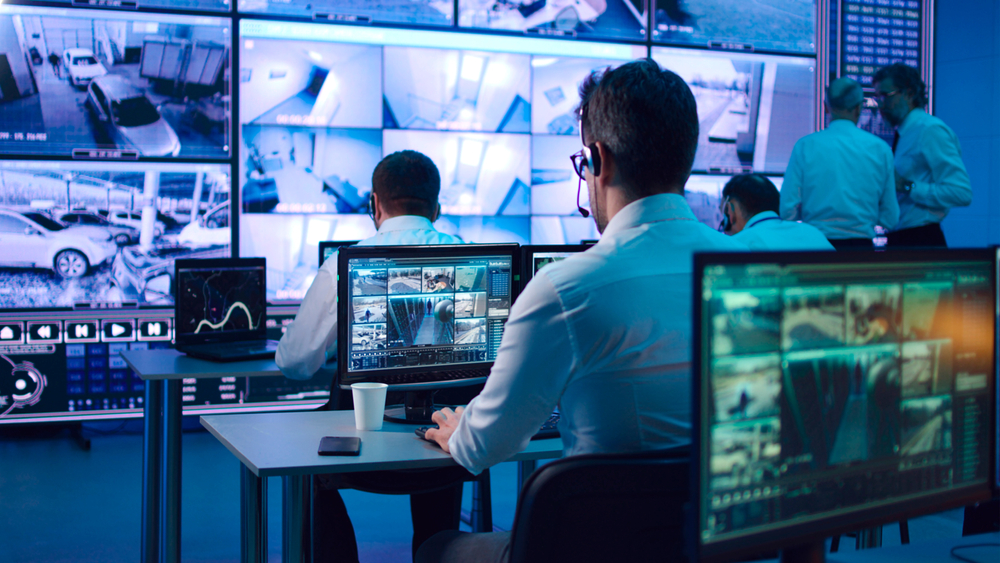
Most cameras are witnesses, not guards. They record faithfully, and you find out what happened the next morning. Live video monitoring closes that gap: instead of footage you review after the fact, trained operators are watching your covered cameras while it happens — and acting on what they see.
Here’s what live video monitoring actually is, how it differs from the other things it gets confused with, and when it makes sense.
What is live video monitoring?
Live video monitoring is a remote video monitoring service where trained operators actively watch camera activity during scheduled monitoring hours. Operators monitor priority views, review activity in context, follow your response instructions, and document important events.
The key word is actively. Your cameras aren’t just sitting there recording for a future insurance claim — a person is watching the views that matter, during the hours you’ve chosen, supported by AI‑assisted detection and documented reporting.
Live video monitoring vs. remote video monitoring
These terms get used interchangeably, but there’s a real distinction:
- Live video monitoring emphasizes trained operators watching camera activity during monitored hours.
- Remote video monitoring is the broader off‑site workflow that can include live review, scheduled monitoring, alert verification, access support, and reporting.
In practice, live monitoring is one part of the wider remote monitoring picture — and most sites use a blend.
Isn’t that just motion alerts?
No. Motion alerts and AI‑assisted detection can support the workflow, but live monitoring isn’t limited to event triggers. Operators can actively watch covered cameras during the monitoring schedule — which means activity that never trips a sensor still gets seen. That’s the difference between live monitoring and event‑based monitoring, where a detection triggers the review rather than continuous watching.
What happens when an operator sees something?
The operator reviews the situation, confirms what is happening, and follows the approved response plan for your site. Depending on that plan, it may include:
- A live voice intervention through compatible on‑site speakers
- Contacting your designated site representatives
- Supporting gate or intercom workflows
- Escalating the incident
- Logging it in an incident report for your records
Because a person confirms the activity before anything happens, responses go out on real events — not on wind, wildlife, or a delivery driver.
What hours can be monitored?
Plans run from full 24‑hour coverage to selected windows such as nights, weekends, and holidays. Most properties don’t need eyes on every hour — they need them on the exposed hours, which is why after‑hours‑only monitoring is one of the most common plans.
Can it use my existing cameras?
In many cases, yes — compatible existing camera systems can be connected to the monitoring workflow. A site assessment confirms camera compatibility, coverage, and monitoring requirements, and identifies any gaps worth closing before monitoring starts.
Who live video monitoring is for
It tends to make the most sense for properties with real after‑hours exposure and more ground than a person can watch at once — truck yards, construction sites, industrial and commercial properties, warehouses, dealership lots, and parking areas. If your risk window is nights and weekends, and your cameras are currently just recording, live monitoring is the piece that’s missing.
See what it would look like for your site
A short assessment covers your camera coverage, the hours worth monitoring, and the response you want, then scopes a plan around it.
Get live eyes on your property → Request a free assessment.
Frequently asked questions
What is live video monitoring?
It’s a remote video monitoring service where trained operators actively watch camera activity during scheduled monitoring hours — monitoring priority views, reviewing activity in context, following response instructions, and documenting important events.
Is live video monitoring only triggered by motion alerts?
No. Motion alerts and AI‑assisted detection can support the workflow, but live monitoring isn’t limited to event triggers. Operators can actively watch covered cameras during the monitoring schedule.
Can I get monitoring after hours only?
Yes. Plans run from full 24‑hour coverage to selected windows such as nights, weekends, and holidays, so after‑hours‑only monitoring is one of the available plans.
Can Gazer work with my existing cameras?
In many cases, compatible existing camera systems can be connected to Gazer’s monitoring workflow. A site assessment confirms camera compatibility, coverage, and monitoring requirements.