
The Monitoring Process
How Gazer Monitoring Works
Gazer Monitoring Inc builds live monitoring workflows around your property, cameras, access points, risk hours, and response requirements. From assessment to reporting, every step is designed to give property teams clearer visibility and faster, documented response.

- Operators watch covered cameras live during monitored hours
- AI-assisted detection supports faster review
- Incidents and access activity are documented
The workflow
Assess, Connect, Configure, Monitor, Verify, Respond, Report
Every Gazer monitoring plan is built around your property. These seven steps take a site from first assessment through to documented, ongoing monitoring.
-
01
Assess
Review the property, cameras, access points, risk areas, monitoring hours, and security concerns.
-
02
Connect
Connect compatible cameras, gates, intercoms, and access workflows where available.
-
03
Configure
Set monitoring schedules, priority cameras, detection zones, response instructions, and reporting requirements.
-
04
Monitor
Operators watch covered cameras live during monitored hours and review AI-assisted detections.
-
05
Verify
Operators review context before response, including camera views, site instructions, access events, and activity patterns.
-
06
Respond
Operators follow the approved response plan, which may include voice intervention, contacting site representatives, supporting gate and intercom workflows, or escalating the incident.
-
07
Report
Incidents, access events, interventions, and notable activity are documented for property teams.
Before monitoring begins
What Gazer Configures Before Monitoring Begins
A monitoring plan is only as good as its setup. Before any monitoring starts, Gazer documents how your property should be watched and how operators should respond.
- Monitoring schedules and risk hours
- Priority cameras and detection zones
- Response instructions and escalation contacts
- Access and gate/intercom procedures
- Reporting requirements
During monitored hours
What Operators Watch During Monitored Hours
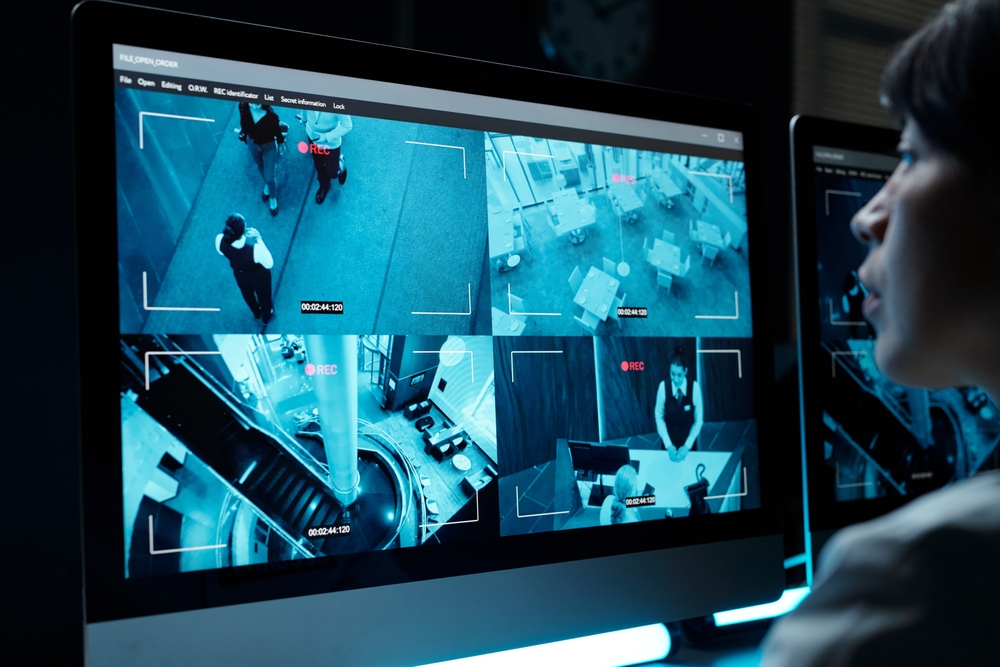
Live video monitoring is not only event-driven. During monitored hours, operators actively watch priority camera views and review AI-assisted detections together.
Operators stay central
How AI Supports the Workflow
AI-assisted detection helps surface people, vehicles, movement, and access activity faster, so operators can focus on what matters. AI and alerts support the operator workflow — they do not replace operator review, verification, or response.
Response
Response Options
When an operator confirms an event, the response follows your approved plan. Depending on the property, that can include any of the following.
Voice Intervention
Operators speak through compatible on-site speakers after reviewing activity.
Contact Site Representatives
Operators notify your approved contacts according to the response plan.
Support Access Workflows
Operators support gate, intercom, visitor, and driver workflows where systems allow.
Escalate the Incident
Operators escalate with verified detail when an event requires it.
Reporting
Reporting and Activity Logs
Monitoring is more valuable when it is documented. Property teams receive clear records of what monitoring captured and how it was handled.
- Incident reports
- Gate and access event records
- Voice intervention documentation
- Escalation notes
- Notable activity summaries
Services
Services That Connect to This Workflow
Industries
Industries That Use This Workflow
Does Gazer only respond to motion alerts?
No. Gazer live monitoring can include operators actively watching priority camera views during monitored hours. Motion alerts and AI-assisted detection can support the workflow, but they do not replace operator review.
Can Gazer work with existing cameras?
In many cases, compatible existing camera systems can be connected to Gazer’s monitoring workflow. A site assessment confirms compatibility, coverage, and configuration needs.
What happens before monitoring starts?
Gazer reviews the property layout, camera coverage, monitoring hours, access points, risk areas, response instructions, and reporting needs before configuring the monitoring workflow.
What happens when suspicious activity is seen?
Operators review the situation, confirm context, and follow the approved response plan. That may include voice intervention, contacting site representatives, supporting access workflows, escalation, and reporting.
Are incidents documented?
Yes. Incidents, gate events, access activity, voice interventions, and notable activity can be documented depending on the monitoring plan.
Service area
Live Monitoring Workflows Across Canada
Gazer Monitoring Inc serves properties across Canada, including key Ontario markets such as Mississauga, Brampton, Milton, London, Bolton, Caledon, Kitchener-Waterloo, Cambridge, Woodstock, Windsor, and surrounding areas.
- Mississauga
- Brampton
- Milton
- London
- Bolton
- Caledon
- Kitchener-Waterloo
- Cambridge
- Woodstock
- Windsor
Free, no-obligation
Build a Monitoring Workflow Around Your Property
Tell Gazer Monitoring Inc about your property, cameras, access points, monitoring hours, and security concerns. A monitoring specialist will recommend a workflow that fits your site.