If you’re comparing ways to protect your property after hours, one question usually comes first: how much does remote video monitoring cost? The honest answer is that there’s no single sticker price — the cost is scoped to your site. But it’s shaped by a handful of clear factors, and once you understand them you can budget with confidence and compare providers on the same terms.
At Gazer Monitoring, we’re a Canadian remote, live-operator video monitoring company. Trained operators watch your covered cameras live during your selected monitored service hours, verify what’s actually happening, and respond according to an approved protocol. Here’s what goes into the price.
First, what “remote video monitoring” actually includes
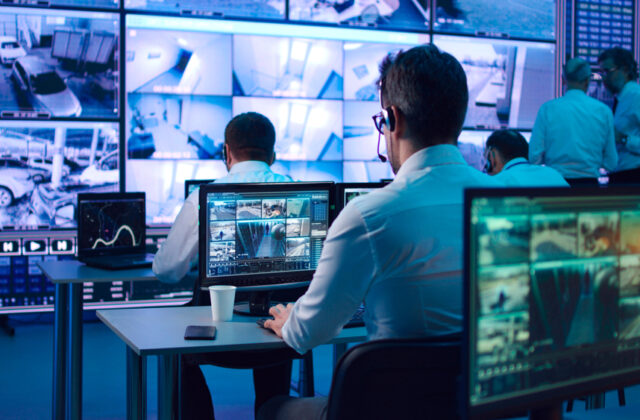
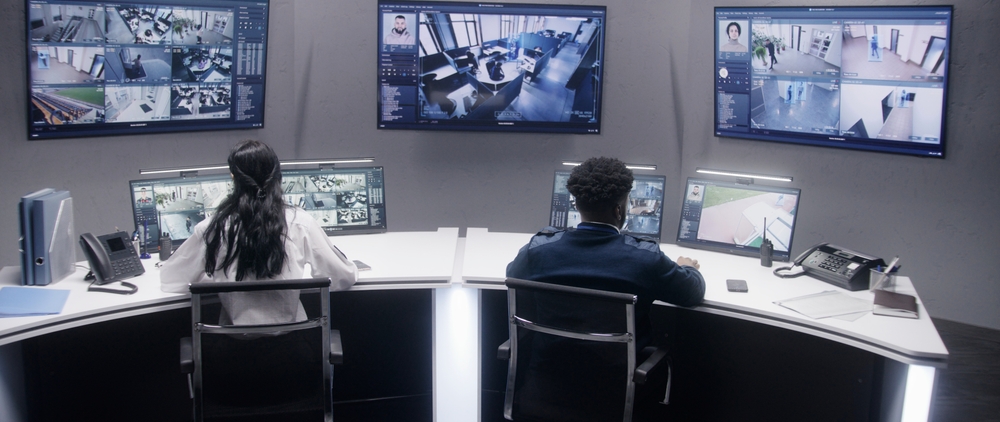
It helps to know what you’re paying for. Remote video monitoring isn’t a camera that only records for later. It’s a service: during your monitored hours, live operators watch your covered cameras, confirm whether activity is a real concern, and act on an agreed protocol — which can include a voice warning, escalation, coordinating a response, and documenting the incident. That verification step is the difference between footage you review after the fact and someone responding while it still matters.
Is there a flat monthly price?
No — and any provider quoting one number sight-unseen is guessing. Because every site has a different camera count, layout, schedule, and risk profile, remote monitoring is scoped per site and billed as a predictable monthly fee once that scope is set. The good news: the factors that determine your number are straightforward.
What actually drives your monthly cost
- How many cameras or zones are covered. More camera views to watch means more operator attention, so covered-camera count is the biggest single driver.
- Your monitored hours and schedule. After-hours-only coverage costs less than extended or overnight-plus-weekend coverage. You choose the monitored service hours that match your risk window.
- Site size, layout, and risk points. Gates, yards, loading docks, perimeters, and multiple entrances add coverage points to watch.
- Level of service. Continuous live monitoring, event-based monitoring triggered by detections, and scheduled virtual patrols are priced differently — many sites blend them.
- Response protocol. A simple watch-and-log setup costs less than one with voice talk-downs, tiered escalation, and coordinated response.
- Cameras and connectivity. Existing cameras can often be used; where coverage gaps exist, equipment can be added, with LTE backup where required.
- Reporting and documentation needs. Standard incident logs versus detailed, formatted reporting for insurers or head office.
Do you have to buy the cameras up front?
Not with a managed plan. Gazer’s model bundles the equipment, connection, monitoring, and support under one monthly fee, so there’s no upfront equipment cost available on approved plans — you get coverage without a large upfront equipment purchase. Where a site needs additional infrastructure, we scope that during the assessment so there are no surprises.
How does it compare to an on-site guard?
For after-hours coverage, remote monitoring is often a lower cost than a full-time on-site guard presence, because one monitoring setup can cover many camera views across a site at once. It won’t replace every role a guard plays, but for deterring and verifying after-hours activity, it helps deter incidents and supports faster verification and response — typically for less than staffing the same hours with an on-site guard. (See why property managers choose Gazer for the full comparison.)
How to get an accurate quote
The fastest way to a real number is a short assessment: we look at your camera coverage, the hours you want monitored, your site layout, and the response you need, then scope a predictable monthly plan.
Get a monthly price scoped to your site → Request a free assessment.
Frequently asked questions
Is remote video monitoring cheaper than a security guard?
For after-hours coverage it often is, because one monitoring setup covers many camera views at once. The exact comparison depends on your site and hours.
Do I need to buy new cameras?
Not necessarily — existing cameras can often be used, and any added equipment can be included in the plan, with no upfront equipment cost available on approved plans.
What hours can be monitored?
Your selected monitored service hours — after-hours, overnight, weekends, or extended coverage. You set the window that matches your risk.
What’s the difference between recorded and monitored cameras?
Recorded cameras capture footage to review after the fact. Monitored cameras are watched live by operators during your monitored service hours, who verify activity and respond on an approved protocol while it’s happening.